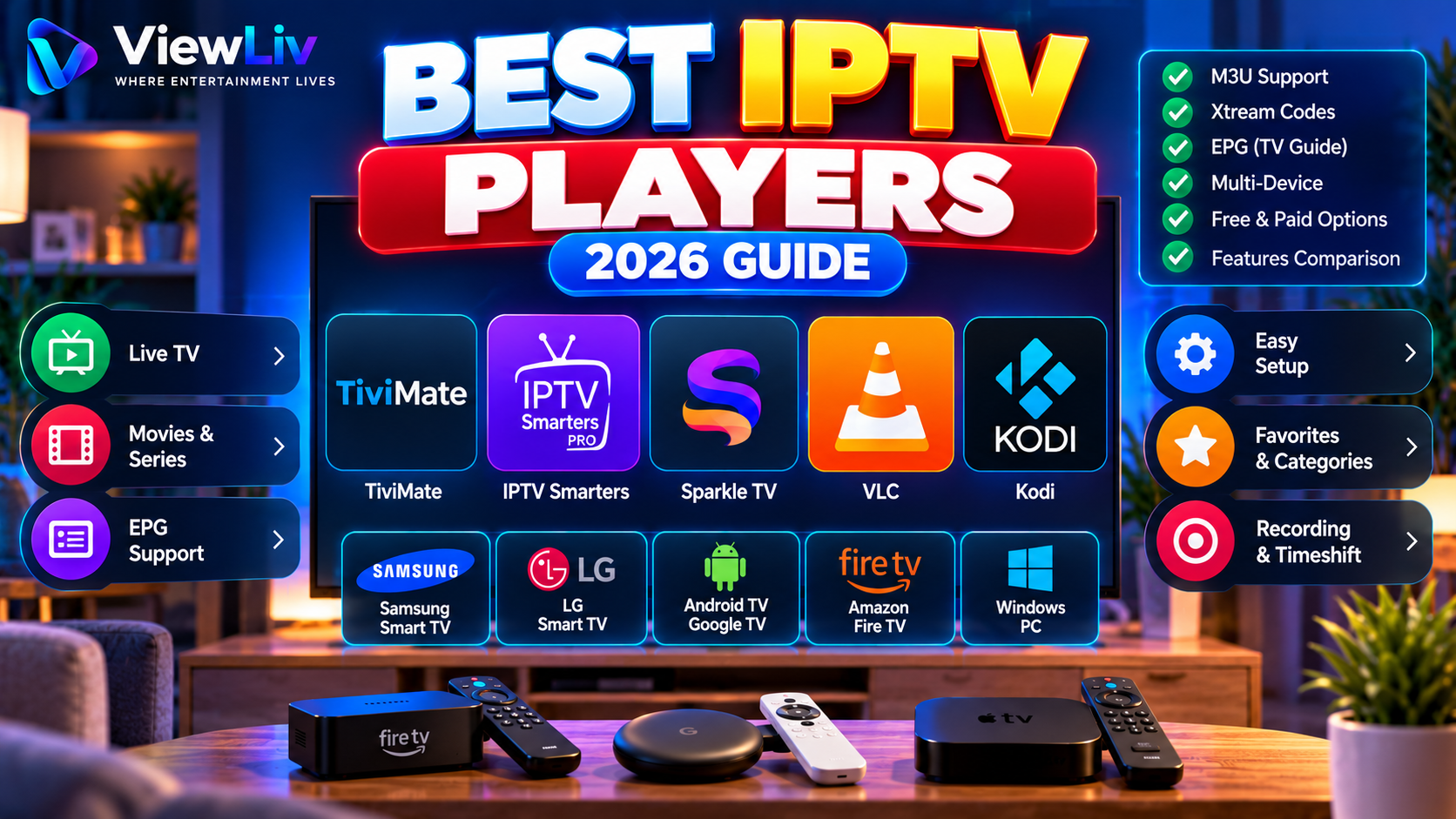
Choosing the best IPTV player in 2026 depends on your device, preferred interface, and the type of media connection you use.
Some IPTV players are designed specifically for television screens and remote controls. Others are general-purpose media players that work across computers, smartphones, and streaming devices.
Popular options include TiviMate, IPTV Smarters, Sparkle TV, VLC Media Player, and Kodi.
But which IPTV player is right for your Smart TV, Android TV, Google TV, Amazon Fire TV, or Windows computer?
In this guide, we'll compare their features, compatibility, advantages, limitations, and setup requirements so you can make an informed choice.
What Is an IPTV Player?
An IPTV player is software that receives, organizes, and plays compatible media streams over an internet connection.
Depending on the application, an IPTV player may support:
- M3U and M3U8 playlists.
- Xtream Codes-style account connections.
- Electronic Program Guides (EPG).
- Live television.
- On-demand video.
- Channel categories and favorites.
- Subtitles and multiple audio tracks.
- Playback controls and recording.
An IPTV player is not necessarily a content provider. Most media players do not include television channels, movies, or subscriptions.
Users must supply their own properly authorized media sources.
For an introduction to the technology, read our What Is IPTV? Complete 2026 Guide.
Best IPTV Players in 2026: Quick Comparison
The following comparison covers five widely used media-player options. It is an editorial shortlist, not a ranking based on independent performance benchmarks.
| IPTV player | Main platforms | M3U | Xtream Codes-style login | EPG | |---|---|---|---|---| | TiviMate | Android TV, Google TV | Yes | Yes | Yes | | IPTV Smarters | Varies by app version and platform | Often | Often | Varies | | Sparkle TV | Android TV, Google TV, Fire TV | Yes | Yes | Yes | | VLC Media Player | Windows, macOS, Android, iOS and others | Yes | No dedicated account interface | Limited | | Kodi + IPTV Simple Client | Windows, Android, Linux, macOS and others | Yes | Not native to IPTV Simple Client | Yes |
Compatibility and features can change between application versions.
Always verify the exact app listing, developer, and supported operating system before installing.
1. TiviMate IPTV Player
TiviMate is a television-focused IPTV media player designed primarily for Android TV devices.
Its interface emphasizes remote-control navigation, channel browsing, and a traditional television-guide experience.
Key Features
- M3U playlist support.
- Xtream Codes-style playlist connections.
- Electronic Program Guide.
- Channel favorites.
- Search and channel organization.
- Multiple playlists.
- Catch-up support where available.
- Recording and multiview features, subject to the app version and feature tier.
- Parental controls.
Advantages
TiviMate's main strength is its television-oriented interface.
For users who primarily watch live television on a compatible Android TV or Google TV device, its navigation and guide features can be appealing.
Limitations
TiviMate is not designed as a native Samsung Tizen or LG webOS application.
It is also not optimized for touchscreen smartphones and tablets.
Some advanced features require a paid upgrade.
Best For
Android TV and Google TV users who prioritize live television browsing and EPG navigation.
Official information: https://tivimate.com/
2. IPTV Smarters
IPTV Smarters is a name associated with IPTV player applications offering account-based media browsing.
Different versions and similarly named applications exist, so users should carefully verify the developer and product before installation.
Common Features
Depending on the version and platform, features may include:
- M3U playlist imports.
- Xtream Codes-style login.
- Live television categories.
- Movies and series sections.
- EPG support.
- Favorites.
- Subtitles and audio controls.
- Multiple profiles.
Advantages
A key attraction is the ability to organize different types of media through a single interface.
Some versions offer separate live television, movies, and series sections.
Limitations
Features and device availability are not consistent across every application carrying a similar name.
Users should not assume that a feature available on Android is also available on Samsung, LG, Windows, or iOS.
Some app stores may list unrelated products using similar names.
Best For
Users who want a category-based interface and whose specific device supports a verified IPTV Smarters application.
Before installation, confirm the developer identity, supported login formats, privacy information, and current app-store availability.
3. Sparkle TV Player
Sparkle TV is an IPTV and DVR/PVR media player designed for Android-based television devices.
It focuses on live television organization, programme guides, and advanced playback controls.
Key Features
- M3U playlist support.
- Xtream Codes-style connections.
- XMLTV EPG support.
- Remote-friendly television interface.
- Channel search.
- Subtitles and audio-track controls.
- Recording and timeshift features with supported configurations.
- Multiple media sources.
- Multiview in supported paid versions.
Advantages
Sparkle TV offers an interface intended for large screens and remote-control navigation.
Its support for multiple source types can be useful for users combining authorized IPTV sources with compatible home-media or television systems.
Limitations
Some advanced features require Sparkle Plus.
Recording and timeshift also depend on the media source, device capabilities, and available storage.
Sparkle TV is not a native Windows, Samsung Tizen, or LG webOS application.
Best For
Android TV, Google TV, and compatible Fire TV users interested in EPG, DVR, and advanced live-TV features.
App listing: https://play.google.com/store/apps/details?id=se.hedekonsult.sparkle
4. VLC Media Player
VLC is a free, open-source media player developed by the VideoLAN project.
Unlike television-focused IPTV applications, VLC is a general-purpose player supporting many audio, video, and network streaming formats.
Key Features
- M3U playlist support.
- Network stream playback.
- Wide audio and video format compatibility.
- Local media playback.
- Subtitle support.
- Playback speed controls.
- Cross-platform availability.
- No required paid subscription for basic playback.
Advantages
VLC is particularly useful for playing individual media URLs and testing compatible network streams.
It works on Windows, macOS, Linux, Android, and several other platforms.
Its open-source development and broad format support make it a versatile media player.
Limitations
VLC does not provide the same dedicated Xtream Codes account interface or television-guide experience found in specialized IPTV players.
Although it can open playlists, its interface may be less convenient for browsing large channel libraries.
Best For
Windows and Mac users who want a free, general-purpose media player for M3U playlists and authorized network streams.
Official website: https://www.videolan.org/vlc/
5. Kodi with IPTV Simple Client
Kodi is a free, open-source media center supporting local media, network sources, and extensions.
For IPTV functionality, users can install the IPTV Simple Client add-on.
Key Features
- M3U playlist support through IPTV Simple Client.
- XMLTV EPG support.
- Live television interface.
- Channel groups.
- Media library organization.
- Customizable interface.
- Broad operating-system compatibility.
- Additional functionality through compatible add-ons.
Advantages
Kodi offers considerable flexibility for users who want a customizable media center.
It can combine different types of authorized media within one application.
The IPTV Simple Client add-on provides a way to organize live television and EPG data.
Limitations
Kodi may require more initial configuration than a dedicated IPTV player.
The IPTV Simple Client add-on does not provide a native Xtream Codes login interface.
Some third-party add-ons are unmaintained or may expose users to security and copyright risks.
Best For
Users who want a customizable media center on Windows, Android, Linux, or macOS.
Official website: https://kodi.tv/
Best IPTV Player for Samsung Smart TV
Samsung Smart TVs generally use Tizen rather than Android TV.
This distinction matters because Android applications cannot normally be installed directly on Tizen.
When choosing an IPTV player for Samsung:
- Check your television model and software version.
- Open the Samsung application store.
- Search for compatible media players.
- Verify the application's developer.
- Check whether it supports your playlist or account format.
- Review current pricing and permissions.
Application availability varies by model and region.
Do not assume that a player available on Android TV will also work natively on Samsung.
If your preferred application is unavailable, a compatible external streaming device may provide additional options.
Best IPTV Player for LG Smart TV
LG Smart TVs generally use webOS.
Like Samsung's Tizen platform, webOS has its own application ecosystem.
Before selecting an IPTV player, check:
- LG Content Store availability.
- Television model compatibility.
- M3U support.
- Xtream Codes-style support, if required.
- EPG functionality.
- Remote-control navigation.
- Whether the application has additional fees.
Some applications support only particular LG television generations.
An external Android TV or Google TV streaming device can provide another option when a desired player is not available on webOS.
Best IPTV Player for Android TV and Google TV
Android TV and Google TV offer several television-oriented media players.
Two notable options are TiviMate and Sparkle TV.
Choose TiviMate If:
- You prioritize live television.
- You want a familiar channel-guide layout.
- You use a remote control.
- You need playlist organization.
- Your device supports the application.
Choose Sparkle TV If:
- You want a live-TV-focused interface.
- You need EPG support.
- You are interested in recording or timeshift features.
- You use compatible IPTV or home-media sources.
Kodi and VLC may also be useful, particularly when you need general-purpose media playback.
The best choice depends on your device and the features you actually use.
Best IPTV Player for Amazon Fire TV
Amazon Fire TV devices use Fire OS, an Android-derived operating system.
Compatible applications may include Sparkle TV, VLC, Kodi, and certain other IPTV players.
However, availability depends on the Fire TV model, operating-system version, region, and installation method.
Before installing:
- Check the official Amazon Appstore.
- Verify the application developer.
- Review device compatibility.
- Confirm support for your authorized media source.
- Avoid unknown or modified application packages.
If an application is distributed outside the official store, verify that the download comes from the genuine developer and understand the security implications.
Best IPTV Player for Windows PC
Windows users have different priorities from television users.
A computer may be used for testing network streams, watching video in a window, or managing a personal media library.
VLC for Windows
VLC is a straightforward choice for opening M3U playlists and compatible network streams.
It is free, open-source, and supports many media formats.
Kodi for Windows
Kodi is suitable for users who want a more complete media-center interface.
With IPTV Simple Client, it can provide channel lists and EPG functionality.
Which Should You Choose?
Choose VLC for straightforward media playback.
Choose Kodi if you prefer a configurable television-style media center.
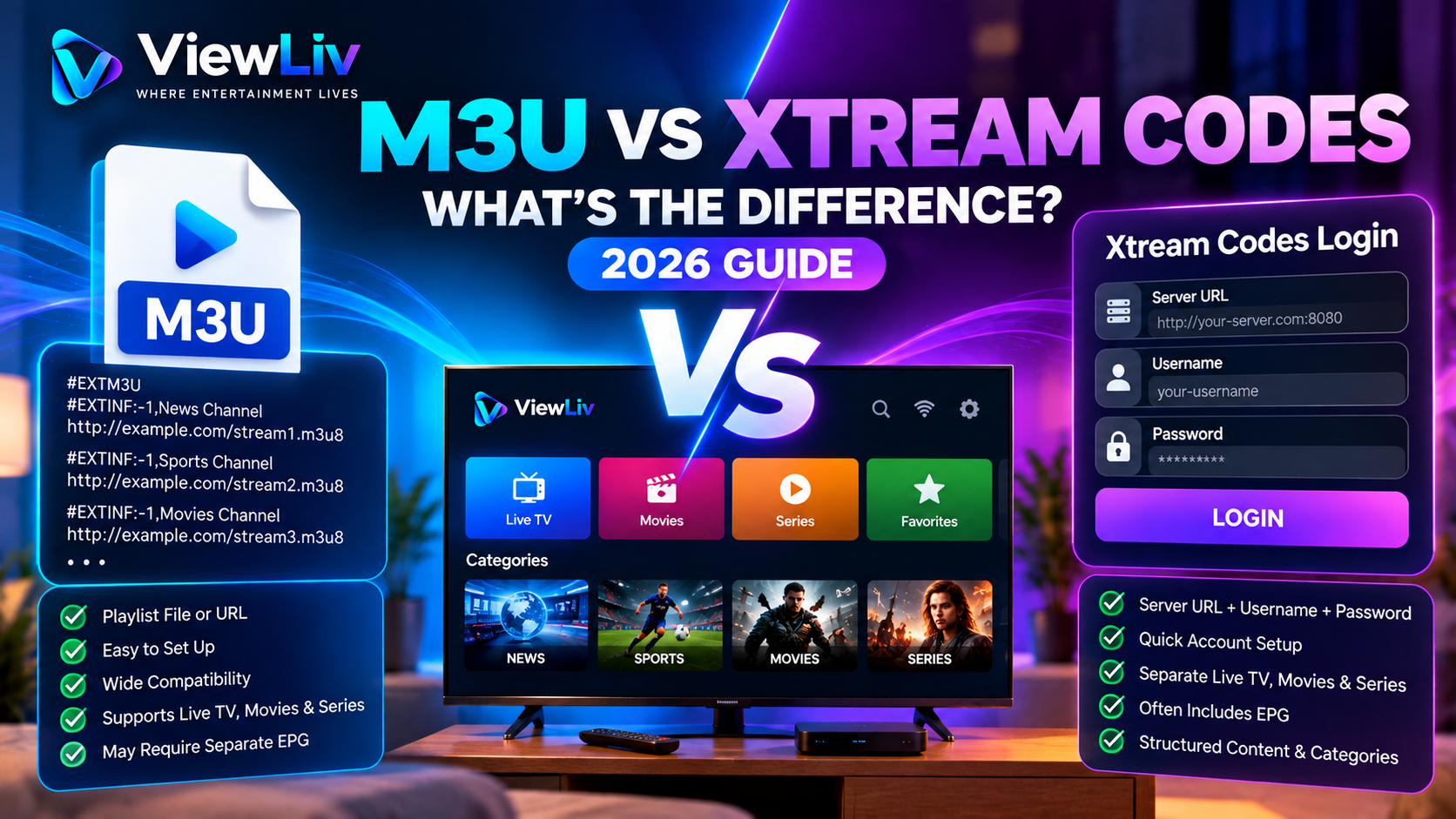
M3U vs Xtream Codes: Which Login Method Matters?
The connection method is one of the most important factors when selecting an IPTV player.
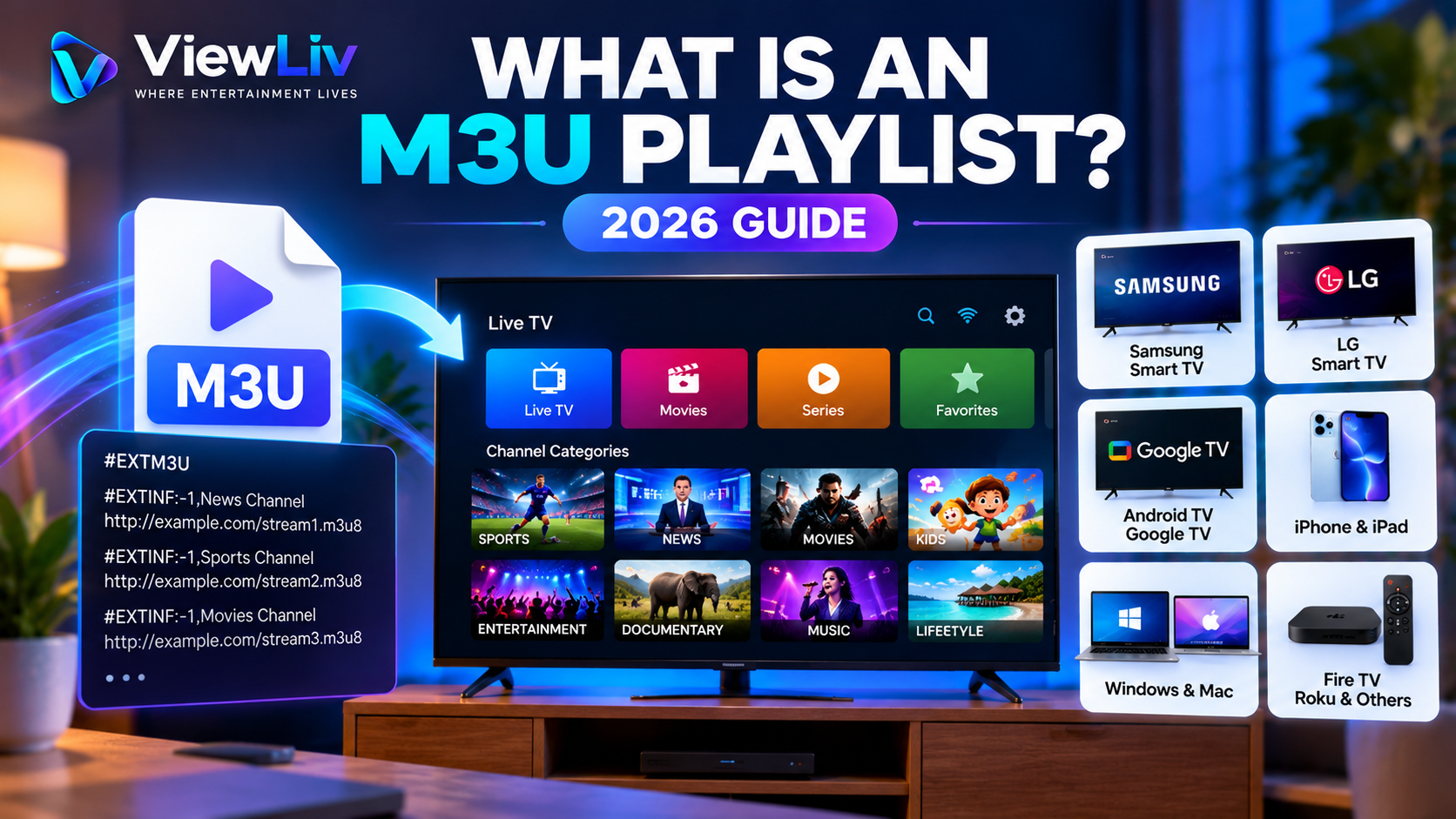
M3U Playlist
M3U is a text-based playlist format containing references to media resources.
It is supported by many general-purpose and dedicated media players.
Xtream Codes-Style Login
This connection method usually requires:
- Server URL.
- Username.
- Password.
It is commonly supported by specialized IPTV applications.
Not every media player supports both formats.
The best player is one that supports the connection method offered by your authorized media source.
Read our detailed M3U vs Xtream Codes Comparison.
Free vs Paid IPTV Players
Some IPTV players are completely free, while others offer optional paid features.
A free player may provide all the functionality needed for basic media playback.
Paid upgrades may offer additional features such as:
- Multiple playlists.
- Advanced EPG management.
- Recording.
- Timeshift.
- Multiview.
- Parental controls.
- Interface customization.
- Backup and restoration.
Before purchasing an upgrade, verify which features are included.
Paying for a media-player application does not normally include access to television channels or movies.
The application and the content source are separate products.
Which IPTV Player Has the Best EPG?
An Electronic Program Guide displays television schedules and programme information.
TiviMate, Sparkle TV, and Kodi with IPTV Simple Client offer EPG functionality.
However, the quality of an EPG depends on more than the player.
Important factors include:
- Availability of guide data.
- Correct channel identifiers.
- Accurate time-zone settings.
- Guide refresh frequency.
- Application compatibility.
Even an advanced player cannot display accurate programme information if the underlying guide data is missing or incorrect.
Which IPTV Player Has Less Buffering?
No IPTV player can guarantee uninterrupted streaming.
Playback performance depends on several factors:
- Internet connection stability.
- Wi-Fi signal strength.
- Media source reliability.
- Streaming bitrate.
- Video codec.
- Device processing power.
- Player decoding behavior.
Some applications may handle particular formats or devices more efficiently than others.
However, switching players will not necessarily resolve a network problem or unavailable stream.
If you experience frequent interruptions, follow our IPTV Buffering and Freezing Troubleshooting Guide.
How to Choose the Right IPTV Player
Before installing an application, consider five questions.
1. Which Device Are You Using?
Samsung Tizen, LG webOS, Android TV, Google TV, Fire TV, and Windows do not share identical application catalogs.
2. Which Connection Format Do You Need?
Check whether your authorized media source uses M3U, Xtream Codes-style login, or another supported format.
3. Do You Need an EPG?
If you mainly watch live television, an integrated programme guide may be valuable.
4. Do You Need Advanced Features?
Recording, multiple playlists, timeshift, and multiview may influence your choice.
5. Is the Application Trustworthy?
Review the developer, official distribution source, update history, permissions, and privacy information.
Avoid installing unknown applications simply because they promise free premium content.
How to Set Up an IPTV Player
Although setup varies between applications, the general process is similar.
- Identify your device's operating system.
- Choose a compatible media player.
- Install it from a trusted source.
- Open the application.
- Select the supported playlist or login method.
- Enter your authorized connection details.
- Allow the application to load available media.
- Configure EPG settings if necessary.
- Test playback.
If you're setting up a television for the first time, see our How to Set Up IPTV on Any Smart TV Guide.
Common IPTV Player Problems
The Player Cannot Load a Playlist
Check the playlist URL, network connection, and access permissions.
Xtream Codes Login Fails
Verify the server address, username, password, and account status.
Channels Are Missing
Refresh the playlist and check whether channel groups are hidden.
EPG Information Is Blank
Verify the guide source and channel mapping.
The Application Crashes
Restart the device, update the application, and check available memory.
Video Shows a Black Screen
Test another authorized stream and check decoder compatibility.
For more detailed solutions, read our IPTV Not Working? 15 Common Fixes Guide.
Are IPTV Player Applications Legal?
IPTV player applications are general-purpose software tools.
They can be used for legitimate activities, including playing personal media, accessing licensed broadcasts, and viewing authorized internet streams.
The legality of a particular use depends on the content, distribution permissions, and applicable laws.
Installing a media player does not automatically grant permission to access copyrighted channels, movies, or television programmes.
Users should obtain media from properly authorized sources.
Frequently Asked Questions
What is the best IPTV player for Android TV?
TiviMate and Sparkle TV are two options worth comparing for compatible Android TV devices. The best choice depends on the interface and features you prefer.
Which IPTV player is best for Windows?
VLC is useful for simple M3U and network playback. Kodi is an option for users who want a more complete media-center interface.
Can I install TiviMate on Samsung Smart TV?
TiviMate is designed for Android TV rather than Samsung's native Tizen platform. A compatible external Android TV device may provide access to it.
Can I install Android IPTV apps on LG webOS?
Android applications generally cannot be installed directly on LG webOS. Choose a compatible webOS application or use a supported external streaming device.
Is VLC an IPTV player?
VLC is a general-purpose media player that can play compatible IPTV streams and M3U playlists. It does not offer every specialized IPTV management feature.
Does Kodi support IPTV?
Yes. Kodi supports IPTV functionality through compatible PVR add-ons, including IPTV Simple Client.
Is Sparkle TV free?
Sparkle TV offers basic functionality without a paid upgrade, while some advanced features require Sparkle Plus. Check the current app listing for details.
Does TiviMate include television channels?
No. TiviMate is a media player. Users must supply their own authorized media sources.
Which IPTV player supports Xtream Codes?
TiviMate and Sparkle TV support Xtream Codes-style connections. Some IPTV Smarters applications also support them, depending on the specific version.
Which IPTV player supports M3U?
TiviMate, Sparkle TV, VLC, and Kodi with IPTV Simple Client support M3U playlists.
Can an IPTV player eliminate buffering?
No. Buffering may involve the network, source server, device, or application. A different player may help in some circumstances but cannot guarantee uninterrupted playback.
Are paid IPTV players better than free ones?
Not necessarily. Paid features may be useful for advanced requirements, but free applications such as VLC and Kodi can be suitable for many users.
Final Verdict: Which IPTV Player Should You Choose?
There is no single IPTV player that is best for every device and every user.
TiviMate is worth considering for a traditional live-TV experience on Android TV and Google TV.
Sparkle TV is an option for users interested in television-guide, recording, and advanced playback features on supported Android-based devices.
IPTV Smarters may suit users who prefer organized live-TV, movie, and series categories, provided they verify the exact application and device compatibility.
VLC is a practical free choice for straightforward M3U and network stream playback, particularly on computers.
Kodi offers a customizable media-center experience with IPTV functionality through supported add-ons.
For Samsung and LG Smart TVs, application availability should be checked against the exact television model and operating system.
Ultimately, the right player should be compatible with your device, support your authorized media source, and provide the features you actually need.
Explore more educational articles and setup tutorials on the ViewLiv Blog.
Published by ViewLiv — Where Entertainment Lives.
Disclaimer: This article is an independent educational comparison, not a performance benchmark or endorsement of unauthorized streaming. Application availability, features, and pricing may change. Product names belong to their respective owners.