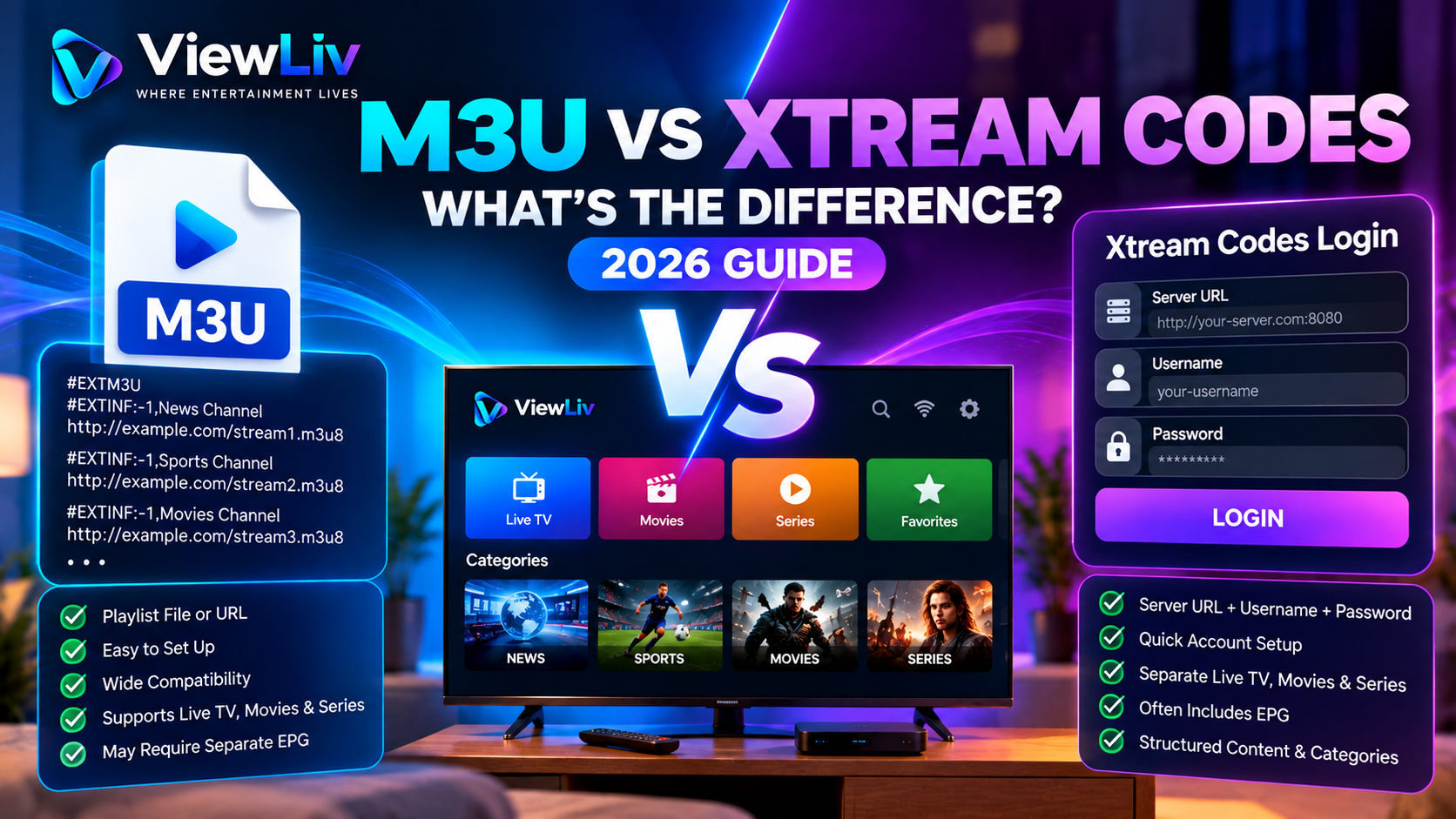
When setting up an IPTV player, you may be asked to choose between an M3U playlist and an Xtream Codes login.
Both methods can help a compatible media player access streaming content, but they work differently.
An M3U playlist is a text-based list of media references. An Xtream Codes-style login generally uses a server address, username, and password to communicate with a compatible service.
So which method should you use?
In this 2026 guide, we'll explain M3U vs Xtream Codes, compare their features, show how each connection method works, and help you understand compatibility, security, and common setup problems.
What Is an M3U Playlist?
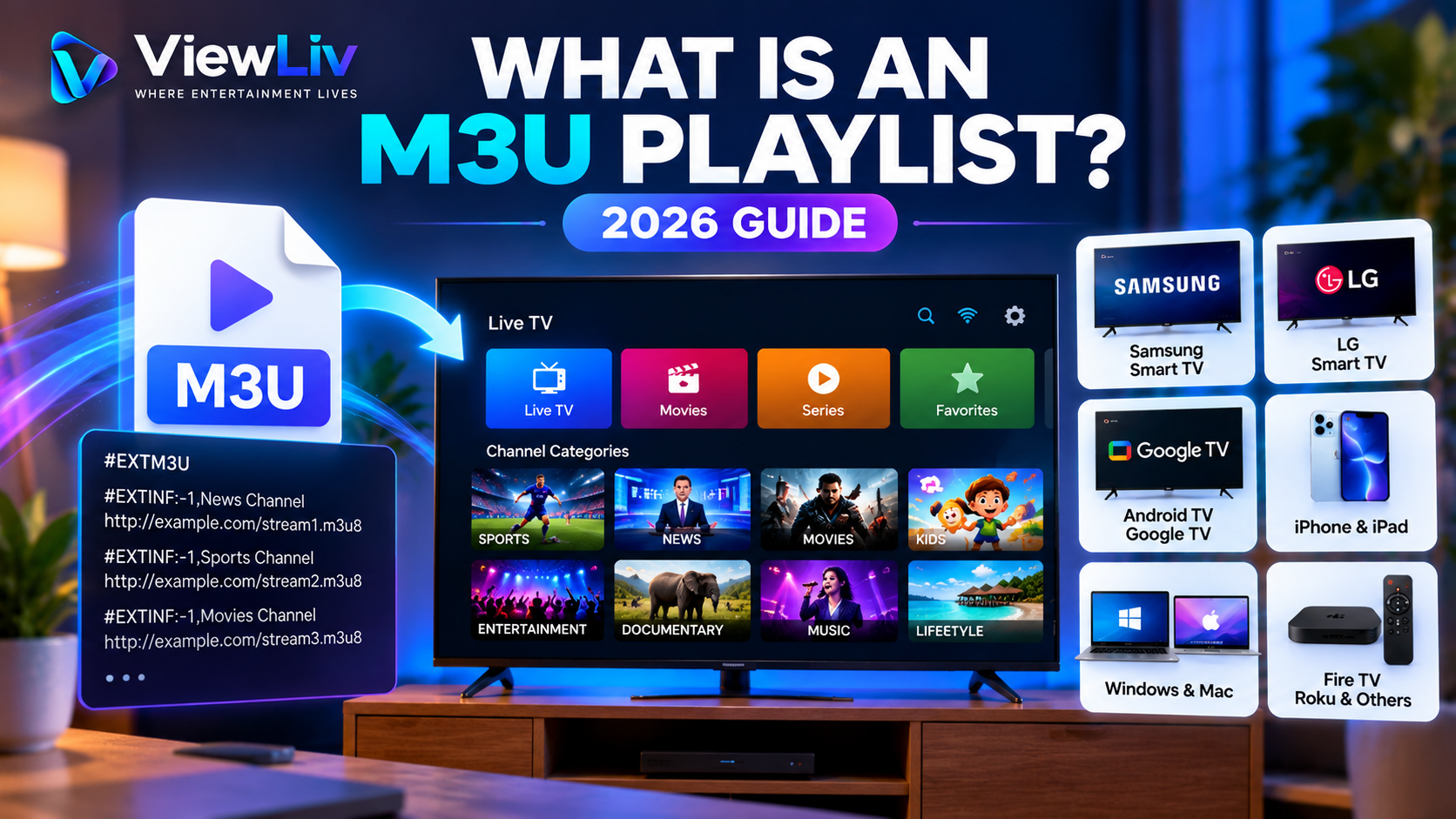
An M3U playlist is a text-based file or URL containing references to media resources.
It may contain:
- Channel or media names.
- Streaming URLs.
- Channel groups.
- Logos and other metadata.
- References to local audio and video files.
An M3U playlist does not normally contain the video itself. Instead, it tells a compatible player where the media can be found.
For IPTV applications, the player reads the playlist and organizes available entries into a usable interface.
M3U is not exclusive to IPTV. It can also be used for music playlists, personal videos, and other authorized media.
For a detailed explanation, read our What Is an M3U Playlist? Guide.
What Is Xtream Codes?
Xtream Codes originally referred to a particular IPTV management platform. Today, the term is also commonly used by media players to describe a compatible API-style login method.
Instead of importing a playlist file, the user typically enters three pieces of information:
- Server URL.
- Username.
- Password.
The application then communicates with the service to retrieve information about available media.
Some compatible services can provide separate categories for live television, movies, and series, along with additional metadata.
However, capabilities depend on the server, application, and account permissions.
Important: An Xtream Codes-compatible login method is not itself a streaming subscription, and its availability does not establish whether the underlying content is licensed.
M3U vs Xtream Codes: Quick Comparison
| Feature | M3U Playlist | Xtream Codes-Style Login | |---|---|---| | Connection method | Playlist file or URL | Server URL, username, password | | Format | Text-based playlist | API-based service communication | | Setup | Import file or paste URL | Enter account details | | Live TV | Supported by compatible players | Supported by compatible services | | Movies and series | Depends on playlist and player | May have dedicated categories | | EPG | May require separate configuration | May be available through the service | | Refreshing content | Depends on player and playlist source | Depends on player and server | | Device compatibility | Broad playlist support | Requires a compatible client | | Authentication | May use tokens or credentials in URLs | Usually separate login fields | | Best suited for | General media playlist compatibility | Supported account-based media services |
Neither method guarantees better picture quality, faster streaming, or uninterrupted playback.
How Does an M3U Connection Work?
An M3U connection begins with a playlist.
The player reads the playlist entries and attempts to access the referenced media when the user selects an item.
Step 1: Obtain an Authorized Playlist
Use an M3U file or URL from a legitimate media source or create one for media you are authorized to access.
Step 2: Open a Compatible Player
Launch an application that supports M3U playlists.
Step 3: Import the Playlist
Select the option to import a playlist file or enter a playlist URL.
Step 4: Load the Media Entries
The application processes the entries and displays the available media.
Step 5: Start Playback
Select an entry to access its referenced content.
Playback depends on source availability, network connectivity, device compatibility, and any required authorization.
How Does an Xtream Codes Login Work?
An Xtream Codes-style connection generally relies on a compatible server API.
Rather than reading a static playlist directly, the player can request media lists and related information from the service.
Step 1: Open a Compatible Application
Choose a player that explicitly supports Xtream Codes-style logins.
Step 2: Select the Login Method
Look for an option such as Xtream Codes, Xtream API, or Login with API.
Menu names vary by application.
Step 3: Enter the Server Details
A typical login form asks for:
Server URL: The authorized service endpoint.
Username: Your account username.
Password: Your account password.
Some players also request a profile name. This is usually a local label to help you identify the connection.
Step 4: Connect to the Service
The application submits the required account information to the configured server.
Step 5: Load Available Content
If the server accepts the credentials, the application may display categories and media entries associated with the account.
Not all players or servers expose the same information.
Which Method Is Easier to Set Up?
Both methods can be straightforward when you have valid connection details.
M3U Setup
M3U can be convenient when a player supports direct playlist imports.
You may only need to paste a URL or select a file.
However, additional settings might be required for EPG information, artwork, or playlist refreshing.
Xtream Codes Setup
Xtream Codes-style login can be convenient when a service provides separate server and account credentials.
A compatible player may automatically retrieve categories and associated metadata.
However, it requires a player that supports the relevant API and a server configured to accept that method.
The easier option is usually the one your authorized provider and chosen media player both support.
M3U vs Xtream Codes for Live TV
Both connection methods can be used with compatible live television players.
With M3U, channel entries are typically defined inside the playlist.
With an Xtream Codes-style API, a player may retrieve channel lists and categories through server requests.
The actual viewing experience depends on factors such as:
- Source reliability.
- Available video formats.
- Network performance.
- Player capabilities.
- Device processing power.
- Provider-side limitations.
The login method alone does not determine whether live television will play smoothly.
M3U vs Xtream Codes for Movies and Series
Some IPTV applications provide separate interfaces for live TV, movies, and television series.
An M3U playlist can reference movies and episodes, but organizing them into a rich library depends on the playlist metadata and the player.
A compatible Xtream Codes-style service may expose separate movie and series categories.
Depending on the service, additional information can include titles, descriptions, posters, and episode lists.
These features are not guaranteed.
A well-designed M3U player may offer an excellent browsing experience, while a poorly implemented API service may offer limited metadata.
The application and server matter as much as the connection method.
Which Method Supports EPG Better?
An Electronic Program Guide, or EPG, provides schedule information for television channels.
Both M3U and Xtream Codes-style setups can support EPG features.
M3U and EPG
An M3U playlist may contain channel identifiers that help a player match entries with guide data.
Some players require a separate EPG URL or file.
Xtream Codes and EPG
A compatible service may expose guide information through its API.
Some applications can retrieve this information automatically.
However, an API login does not guarantee that the service provides accurate or complete EPG data.
EPG quality depends primarily on the available guide data and correct channel mapping.
Does Xtream Codes Provide Better Streaming Quality Than M3U?
Not inherently.
This is one of the most common misconceptions when comparing M3U and Xtream Codes.
The connection method mainly affects how a player discovers and organizes content.
Picture quality and buffering are more directly influenced by:
- The underlying media stream.
- Video resolution and bitrate.
- Encoding format.
- Source-server performance.
- Internet connection stability.
- Wi-Fi interference.
- Device hardware.
- Player decoding capabilities.
If both connection methods ultimately reference the same stream, switching between them may not produce a meaningful improvement in picture quality.
M3U vs Xtream Codes: Device Compatibility
Compatibility varies by operating system and media application.
Samsung Smart TV
Some Samsung Smart TV applications support M3U playlists, Xtream Codes-style logins, or both.
Available apps depend on the television model, software version, and region.
LG Smart TV
LG webOS applications also vary in their supported login methods.
Review the application's documentation before selecting a connection type.
Android TV and Google TV
Android TV and Google TV offer a range of media applications.
Some support both M3U and API-style login methods.
Amazon Fire TV
Compatible Fire TV media applications may support playlist imports or account-based connections.
Use trusted installation sources and check app compatibility.
iPhone and iPad
Some iOS and iPadOS media players support M3U playlists and Xtream Codes-style accounts.
Features vary by application.
Windows and Mac
Desktop applications often support M3U playlists.
Xtream Codes-style access requires software that implements the relevant service API.
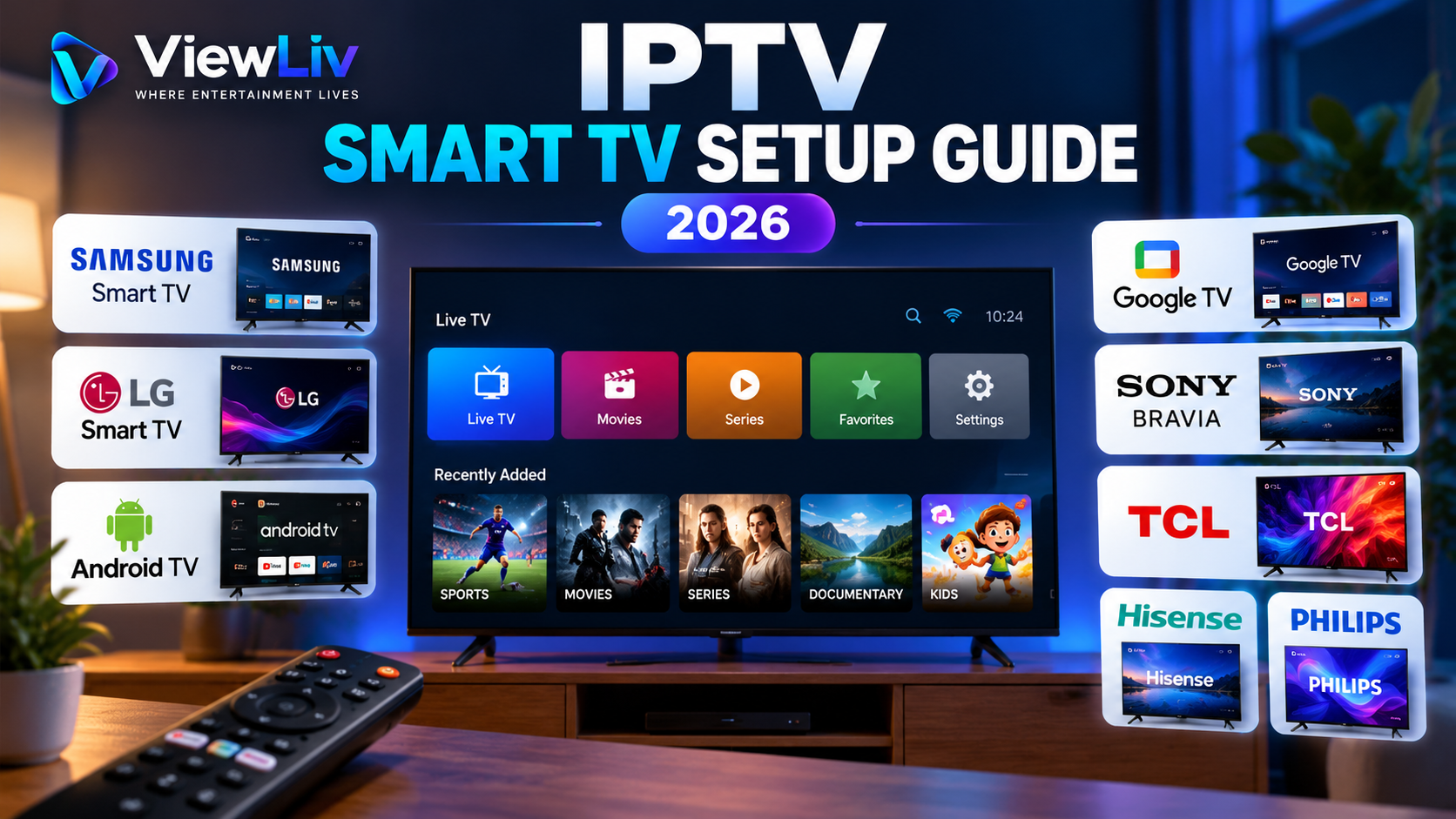
For television-specific instructions, see our IPTV Smart TV Setup Guide.
Can You Convert M3U to Xtream Codes?
Sometimes an authorized service provides both a playlist URL and API login credentials.
In such cases, the user may be able to choose between the two supported connection methods.
However, an ordinary M3U playlist cannot automatically be converted into a functioning Xtream Codes account.
An API login requires a compatible server and valid account credentials.
Likewise, having an Xtream Codes-style login does not guarantee that the service offers a downloadable M3U playlist.
Avoid using untrusted conversion websites, particularly when they ask you to submit private playlist URLs or account credentials.
Is M3U More Secure Than Xtream Codes?
Neither method is automatically more secure.
Security depends on how the service handles authentication, how the player stores credentials, and whether network communication is appropriately protected.
M3U Security Considerations
Some playlist URLs include access tokens, usernames, or passwords.
Anyone who obtains such a URL may be able to misuse the associated account, depending on the service's security controls.
Xtream Codes Security Considerations
API-style logins usually ask for a server address, username, and password.
These credentials should only be entered into trusted applications.
Recommended Security Practices
- Use trusted media players.
- Prefer secure HTTPS connections where supported.
- Keep account credentials private.
- Avoid posting playlist URLs publicly.
- Install application updates.
- Review app permissions.
- Avoid unknown third-party login websites.
If you believe your credentials have been exposed, contact your provider about changing or revoking them.
Common M3U Connection Problems
Playlist URL Not Working
Check whether the address is correct, accessible, and still valid.
Playlist Loads but Shows No Content
The playlist may be empty, incorrectly formatted, or incompatible with the player.
Some Streams Fail
Individual media sources may be unavailable or require different playback capabilities.
Playlist Does Not Refresh
Check whether the player supports playlist updates and whether the remote playlist has changed.
Common Xtream Codes Login Problems
Invalid Username or Password
Verify the account details supplied by your authorized service.
Server Connection Failed
Check the server address, network connection, and service availability.
Login Works but Categories Are Missing
The account, server, or application may not expose the expected media categories.
EPG Information Is Missing
The service may not supply guide data, or the application may require additional configuration.
Movies or Series Do Not Load
Check whether the account includes access to those media categories and whether the player supports the associated formats.
For either method, avoid repeatedly entering credentials into unfamiliar apps while troubleshooting.
Can You Use Both M3U and Xtream Codes?
Yes, some media players support multiple connection methods.
A user might have one authorized media source distributed as an M3U playlist and another compatible service using API credentials.
Some applications allow multiple saved profiles, while others support only one connection at a time.
The availability of multiple profiles depends on the specific software.
Are M3U and Xtream Codes Legal?
M3U is a general-purpose playlist format, and Xtream Codes-style APIs are methods of communicating with compatible media services.
Neither technology is inherently illegal.
The legal questions concern the underlying content, distribution permissions, account use, and applicable copyright laws.
Legitimate applications include accessing properly licensed broadcasts, personal media, and other authorized streaming resources.
Using or distributing copyrighted television channels, films, or programs without the necessary rights may violate applicable laws.
For more context, read our What Is IPTV? Benefits and Legal Considerations.
Which Is Better: M3U or Xtream Codes?
The answer depends on your needs.
Choose M3U When:
- You want a widely recognized playlist format.
- Your player supports M3U but not the relevant API.
- You organize your own authorized media.
- You have a legitimate playlist file or URL.
- You need compatibility with general-purpose media players.
Choose Xtream Codes-Style Login When:
- Your authorized service supports the API.
- Your player offers a compatible login option.
- You prefer entering separate server and account details.
- You want to use server-provided categories where available.
- You prefer an account-based setup supported by your provider.
Neither method is universally superior.
The best choice is the one that is supported by your player, compatible with your legitimate media source, and suitable for your viewing requirements.
Frequently Asked Questions
Is Xtream Codes better than M3U?
Not necessarily. Xtream Codes-style connections may offer convenient account-based browsing, while M3U provides broad playlist compatibility. Features depend on the player and service.
Can I use M3U and Xtream Codes in the same app?
Some media players support both methods and allow multiple profiles. Check the application's documentation.
Does M3U support movies and series?
Yes. M3U playlists can reference video content, but how movies and episodes are displayed depends on the player and playlist information.
Does Xtream Codes automatically include an EPG?
No. EPG availability depends on the service and the application's support for retrieving and displaying guide data.
Which method has less buffering?
Neither has an inherent buffering advantage. Playback stability depends mainly on the stream, network, server, device, and player.
Can VLC use an M3U playlist?
Yes. VLC supports M3U playlists and compatible network media sources.
Does VLC support Xtream Codes login directly?
VLC can open many media URLs and playlists, but it does not provide the same dedicated Xtream Codes account-management interface found in some specialized IPTV players.
Can I use Xtream Codes without an M3U playlist?
Yes, if you have valid credentials for a compatible, authorized service and a supported player.
Is an M3U URL the same as a server URL?
No. An M3U URL generally points to a playlist resource, while an API server URL identifies a service endpoint. They serve different purposes.
Are M3U and Xtream Codes free?
The underlying playlist format and API concepts are not themselves paid subscriptions. Applications, hosting services, and access to licensed media may have associated costs.
Final Verdict
M3U playlists and Xtream Codes-style logins are two different ways for compatible applications to discover and organize media.
M3U emphasizes playlist-based compatibility, while Xtream Codes-style connections emphasize communication with a compatible account-based service.
Both can work well when properly configured.
For beginners, the most important factors are choosing a trusted media player, using authorized content sources, protecting account credentials, and confirming compatibility before setup.
If you're new to IPTV technology, start with our Complete IPTV Beginner's Guide or explore more tutorials on the ViewLiv Blog.
Published by ViewLiv — Where Entertainment Lives.
Disclaimer: This guide is educational and does not endorse unauthorized streaming or distribution. Service features, device compatibility, and legal requirements vary.