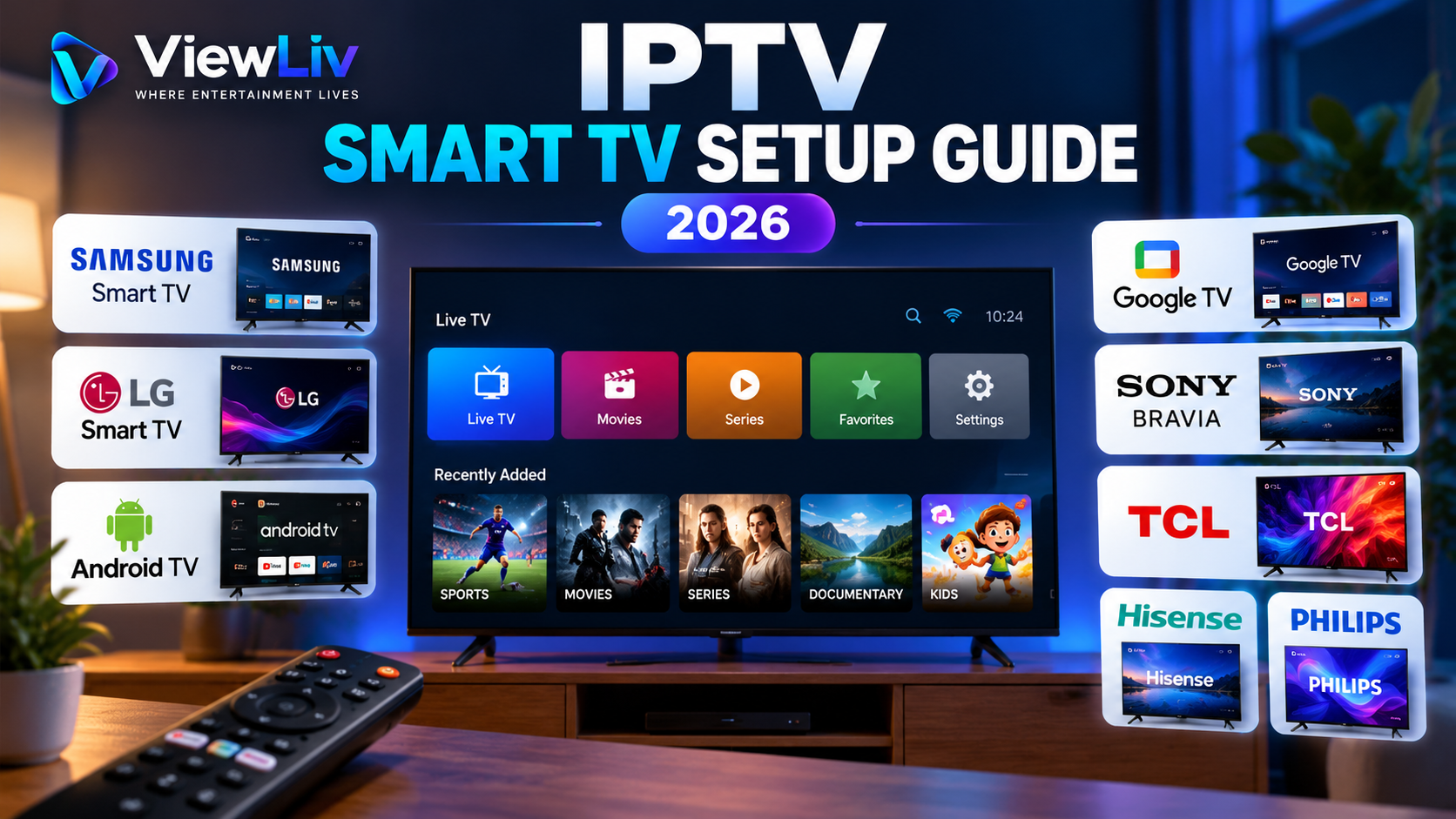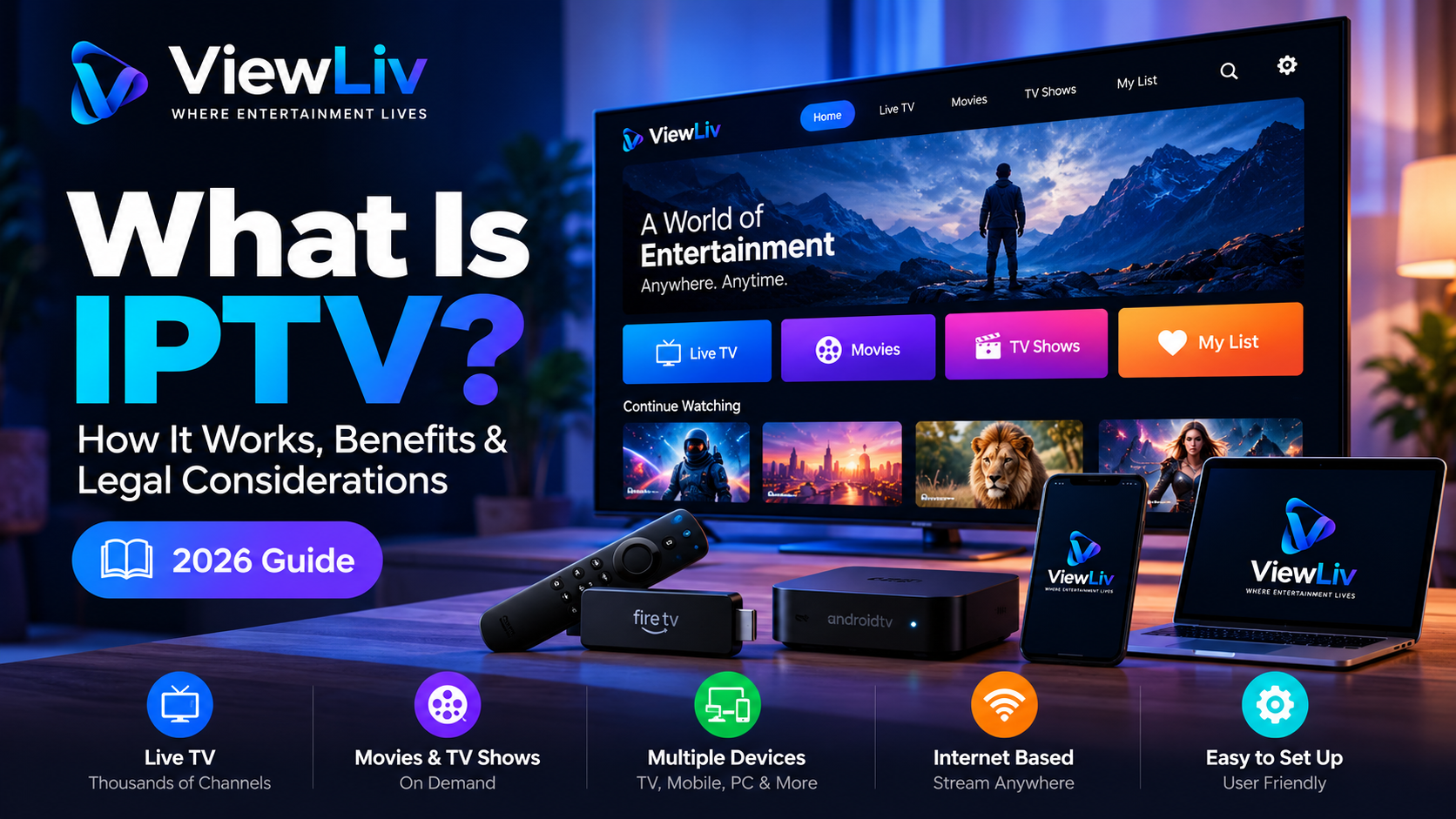
Television has changed dramatically over the past decade. Instead of relying entirely on traditional cable connections or satellite dishes, viewers can now access television content through internet-based technologies.
One technology behind this shift is IPTV, short for Internet Protocol Television.
But what exactly is IPTV? How does it work, what equipment do you need, and is IPTV legal?
In this beginner-friendly guide, we'll explain IPTV technology, its advantages and limitations, the devices it supports, and what to consider before choosing an IPTV service.
What Is IPTV?
IPTV stands for Internet Protocol Television. It refers to the delivery of television programming using Internet Protocol (IP) networks rather than traditional terrestrial, satellite, or cable broadcasting systems.
In simple terms, IPTV allows television content to be delivered as digital data over an IP network.
Depending on the service, IPTV may provide live television channels, previously broadcast programs, or on-demand video.
Unlike traditional television systems, IPTV can support interactive features such as program guides, content selection, and playback controls.
However, not every internet video service is technically the same as a managed IPTV service. Services such as Netflix and YouTube typically use over-the-top (OTT) streaming technology, even though both IPTV and OTT deliver video using internet protocols.
How Does IPTV Work?
IPTV works by transmitting television content as digital data across an IP network.
When a viewer selects a channel or program, the service delivers the appropriate video stream to a compatible device.
The basic process involves five stages.
1. Content Acquisition
A television service obtains content from broadcasters, studios, or other authorized content providers. A legitimate provider must have the necessary rights to distribute that content.
2. Video Processing
The content is encoded or transcoded into digital video formats suitable for network delivery. This process helps video streams work across different devices and connection conditions.
3. Network Distribution
Video data travels through IP-based infrastructure. Some IPTV systems operate over managed networks, while other internet-based streaming services deliver video across the public internet.
4. Playback Application
A compatible IPTV receiver, set-top box, smart television, or software player receives and decodes the stream.
5. Video Playback
The device displays the content on the viewer's screen.
Playback quality depends on factors such as the original stream, network performance, device capabilities, and service infrastructure.
Main Types of IPTV Services
IPTV systems commonly support three types of viewing experiences.
Live Television
Live IPTV delivers television programming as it is broadcast.
Examples may include news, entertainment, educational programming, and sports channels, depending on the provider's distribution rights.
Video on Demand (VOD)
Video on Demand allows viewers to select available movies, documentaries, or television episodes and watch them when convenient.
The available catalogue varies between services and regions.
Time-Shifted Television
Time-shifted television allows viewers to watch certain previously broadcast programs after their original airtime.
Features may include catch-up TV, restart TV, and replay functionality.
Not every IPTV provider supports all three categories.
IPTV vs Traditional Cable TV
IPTV and cable television can both provide live channels and on-demand entertainment, but their delivery methods differ.
Delivery Method
- IPTV: IP-based network.
- Traditional Cable TV: Cable television infrastructure.
Typical Equipment
- IPTV: Compatible receiver, app, or set-top box.
- Traditional Cable TV: Cable receiver or compatible television.
Internet Dependency
- IPTV: Depends on network architecture; internet-based services require connectivity.
- Traditional Cable TV: Traditional cable broadcasting generally does not require internet access.
On-Demand Features
- IPTV: Available on supported services.
- Traditional Cable TV: Available on supported services.
Device Flexibility
- IPTV: Varies by service and application.
- Traditional Cable TV: Varies by cable provider.
Viewing Quality
- IPTV: Depends on source, network, and device.
- Traditional Cable TV: Depends on signal, infrastructure, and equipment.
Neither technology is automatically superior in every situation.
The best choice depends on service availability, content rights, viewing preferences, reliability, and cost.
What Devices Support IPTV?
IPTV playback is available on a wide range of devices, although compatibility depends on the specific provider and application.
Smart TVs
Some Samsung, LG, and Android-based smart televisions support IPTV applications.
Available apps and installation procedures vary by television model and operating system.
Android Phones and Tablets
Android devices can run compatible IPTV players that support various playlist or provider login methods.
Amazon Fire TV Devices
Supported Fire TV devices can run compatible streaming applications, subject to application availability and device restrictions.
iPhones and iPads
Certain IPTV player applications are available for iOS and iPadOS.
Compatibility and available features depend on the application.
Windows Computers
Desktop applications and compatible media players can provide IPTV playback on Windows computers.
Android TV Boxes
Android TV devices may support IPTV applications designed for television interfaces and remote controls.
Important: Installing an IPTV player does not automatically provide television channels or content. A player is software; content access must come from a separate authorized source.
What Is an IPTV Player?
An IPTV player is an application that receives and plays compatible television or video streams.
Depending on the application, it may support features such as:
- Live channel lists and categories.
- Electronic Program Guides (EPG).
- Video on Demand browsing.
- Favorite channels.
- Playlist management.
- Playback controls.
- Multiple user profiles.
Some players accept M3U playlists, while others support provider-specific login systems.
A media player and a content subscription are different products.
The player provides playback functionality, while the content provider is responsible for the streams and the necessary distribution rights.
What Is an M3U Playlist?
An M3U playlist is a text-based playlist format that can contain references to media files or streaming URLs.
M3U playlists are used by various media applications, including some IPTV players.
An M3U file does not necessarily contain video content itself. Instead, it commonly contains information telling the player where to find the media.
M3U technology has legitimate uses, including personal media libraries, authorized streaming services, and freely distributed content.
However, an M3U playlist is not evidence that the content referenced within it is legally distributed.
What Is an Electronic Program Guide (EPG)?
An Electronic Program Guide, commonly called an EPG, displays information about television programming.
Depending on the service, an EPG may show:
- Channel names.
- Current programs.
- Upcoming programs.
- Program descriptions.
- Scheduled broadcast times.
An EPG makes it easier to navigate live television and find relevant programming.
Its accuracy depends on the information supplied by the service or guide provider.
What Internet Speed Do You Need for IPTV?
Internet speed requirements vary according to video resolution, compression, frame rate, and the provider's streaming technology.
As general planning estimates for one stream:
Standard Definition (SD)
- Approximate download speed: 3–5 Mbps.
High Definition (HD)
- Approximate download speed: 5–10 Mbps.
Full HD (1080p)
- Approximate download speed: 10–15 Mbps.
4K Ultra HD
- Approximate download speed: 25 Mbps or more.
These figures are approximate, not universal requirements. Some streams need less bandwidth, while others require more.
If multiple people are streaming simultaneously, the connection needs sufficient capacity for all active devices.
Connection stability can be just as important as raw download speed.
Why Does IPTV Sometimes Buffer?
Buffering occurs when a player cannot receive or process video data quickly enough to maintain uninterrupted playback.
Several factors may contribute.
Slow or Unstable Internet
A connection may have sufficient advertised speed but still experience congestion, packet loss, or inconsistent performance.
Wi-Fi Interference
Distance from the router, thick walls, and interference from nearby networks can affect wireless performance.
Provider-Side Problems
Overloaded streaming infrastructure, network congestion, or interruptions at the source can affect playback.
Device Limitations
Older devices may struggle to decode demanding video formats or run multiple applications simultaneously.
Application Problems
Outdated software, incorrect configuration, or unsupported video formats may cause playback errors.
How to Reduce Buffering
Try restarting the playback application, testing your internet connection, updating your device, and using a stable wired connection when practical.
If problems occur only with one authorized streaming service, contact its support team to investigate possible source or network issues.
No IPTV player or provider can guarantee completely buffer-free streaming under every network condition.
Is IPTV Legal?
IPTV technology is legal in itself.
The legality of a particular IPTV service depends on factors such as copyright permissions, distribution agreements, applicable laws, and the content being provided.
Legitimate IPTV providers obtain the necessary rights to distribute television channels, movies, and other programming.
However, some services offer copyrighted material without permission from the relevant rights holders.
Accessing, distributing, or reselling unauthorized streams may create legal risks, depending on the jurisdiction and circumstances.
How to Identify a Legitimate IPTV Service
Before subscribing, consider whether the provider:
- Clearly identifies the business operating the service.
- Explains what content it is authorized to provide.
- Has appropriate distribution and reseller agreements.
- Publishes transparent subscription terms.
- Provides clear support and contact information.
- Accurately describes regional content availability.
Be cautious of services that promise unrestricted access to large collections of premium copyrighted content without explaining their authorization.
A functioning stream, professional website, or payment receipt does not prove that a service holds the necessary distribution rights.
IPTV vs OTT Streaming: What's the Difference?
IPTV and OTT streaming are related but distinct concepts.
IPTV, in its more technical usage, often refers to television delivery over managed IP networks, where the provider may control service delivery and quality.
OTT streaming delivers video over the public internet, typically through apps or websites, without requiring a dedicated managed television network.
Examples of OTT platforms include Netflix and YouTube.
In everyday conversation, people sometimes use the term IPTV more broadly to describe internet-based live television services.
Understanding this distinction can help consumers compare products more accurately.
Advantages of IPTV Technology
When implemented through an authorized and reliable service, IPTV can offer several benefits.
Flexible Content Delivery
IP-based networks can support live television, catch-up programming, and on-demand video.
Interactive Features
Supported systems can provide program guides, search, playback controls, and personalized navigation.
Device Compatibility
Depending on the provider, IPTV services may support televisions, mobile devices, computers, and dedicated receivers.
Efficient Network Integration
IPTV can integrate television delivery with other IP-based network services.
Convenient Program Navigation
Digital channel categories, search tools, and EPG functionality can improve the viewing experience.
These benefits depend on the capabilities of the actual service and application.
Limitations of IPTV
IPTV also has potential disadvantages.
Network dependency: Playback can be interrupted by connectivity or infrastructure problems.
Variable service quality: Different providers offer different levels of reliability and support.
Device compatibility: Not every IPTV player works with every television or operating system.
Content restrictions: Available programming may vary by location and distribution agreement.
Copyright concerns: Unauthorized streaming services can expose customers and resellers to legal risks.
Understanding these limitations helps viewers make more informed decisions.
Frequently Asked Questions About IPTV
Does IPTV require an internet connection?
Internet-based IPTV services require connectivity. Some managed IPTV services operate over dedicated IP networks rather than the public internet.
Can I watch IPTV on a Smart TV?
Yes, many smart televisions support compatible IPTV applications, although support depends on the television model, operating system, and provider.
Is an IPTV player the same as an IPTV subscription?
No. An IPTV player is software used to play streams. A subscription is an arrangement with a content provider that may grant access to authorized programming.
Can IPTV work without a satellite dish?
Yes. IPTV delivers television over IP networks and generally does not require a satellite dish at the viewer's location.
Is IPTV always legal?
No. IPTV technology is legal, but individual services must comply with relevant copyright and distribution requirements.
Does IPTV support 4K video?
Some IPTV systems support 4K playback, provided the source content, network, application, and playback device are compatible.
Why do IPTV channels sometimes stop working?
Possible causes include network interruptions, expired access credentials, provider outages, unsupported formats, or changes to an authorized stream.
Final Thoughts
IPTV is an important part of modern television technology. By delivering video through IP networks, it can support live television, on-demand content, interactive guides, and playback on compatible devices.
However, choosing the right IPTV solution involves more than comparing channel counts or subscription prices.
Viewers should consider device compatibility, network reliability, service transparency, customer support, and—most importantly—the provider's authorization to distribute its content.
Whether you're exploring IPTV for the first time or learning how internet television works, understanding the technology and its legal considerations will help you make better-informed decisions.
Published by ViewLiv — Where Entertainment Lives.
Disclaimer: This article provides general educational information and is not legal advice. Copyright and broadcasting regulations vary by country.